 ShipFit
 Rise to your height
Train smarter.
Log it by talking.
An AI-assisted training app that plans your week, logs your sets from plain English, and tells you when to push or when to rest. It lives on your phone, and your data stays there.
Everything a lifter needs. Nothing to sign up for.
Built around three ideas: logging should take seconds, advice should be grounded in your own numbers, and your training history belongs to you.
Log in plain English
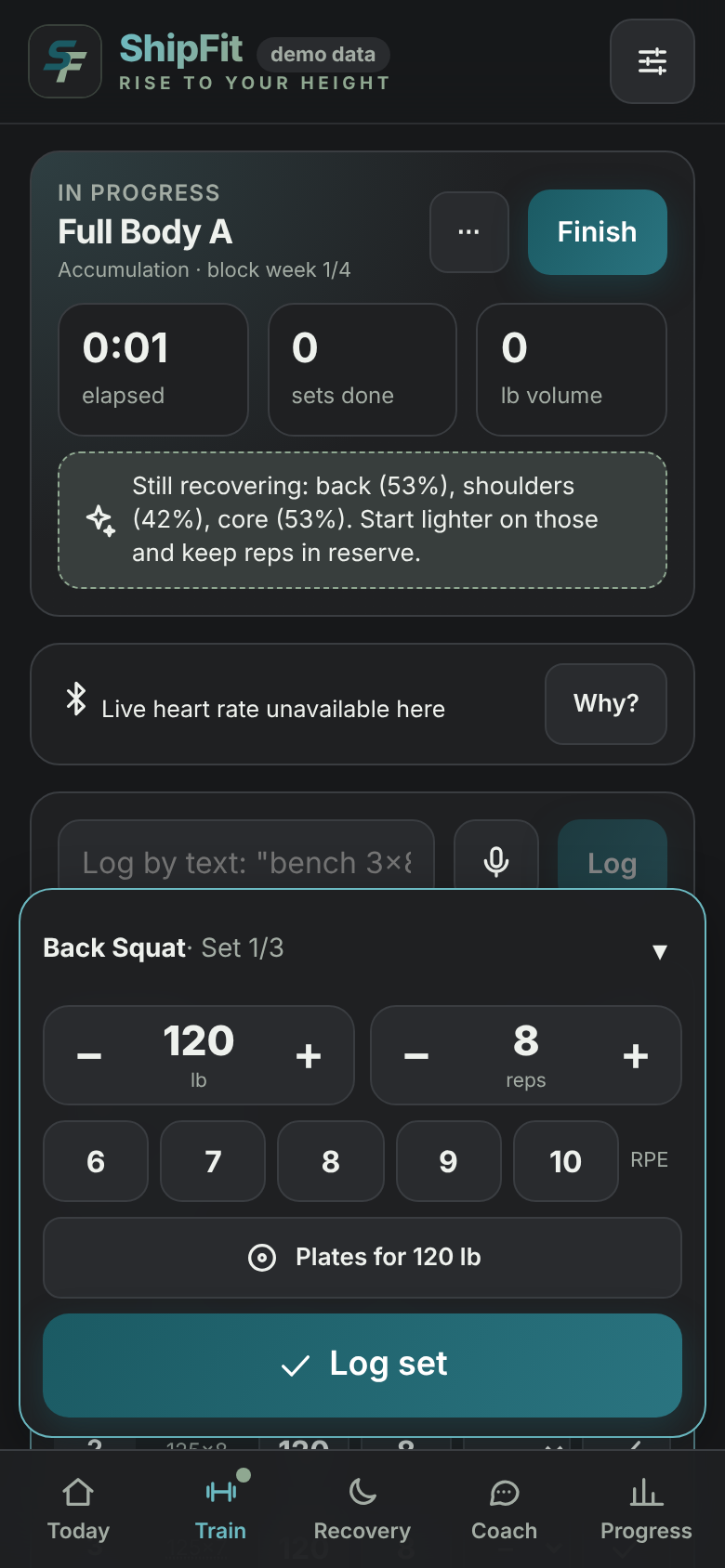
Type or dictate "bench 3×8 at 135" and ShipFit turns it into sets. Quick steppers, a plate calculator and rest timer keep the gym flow fast.
An AI coach that knows your log
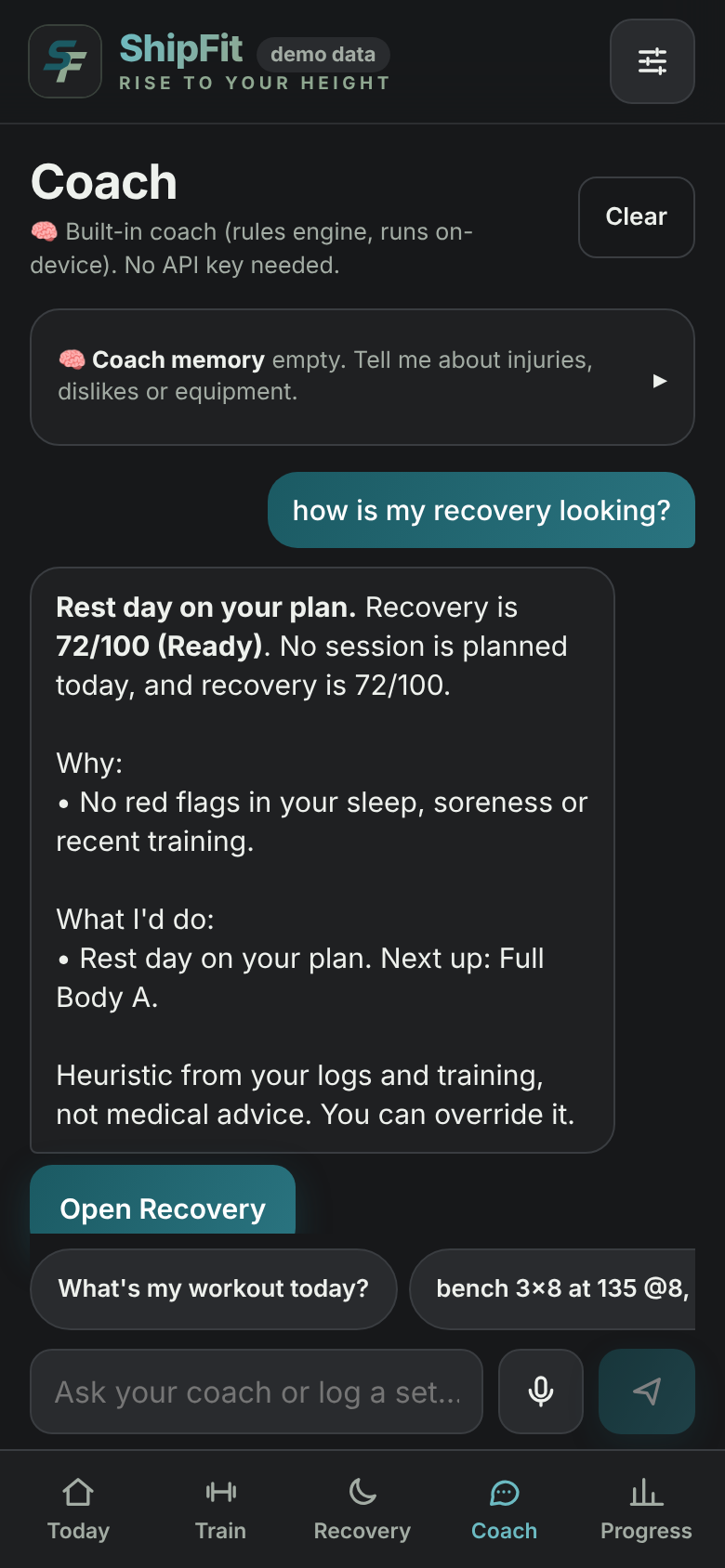
Ask why a lift stalled, how to adjust a week, or what to do today. The built-in coach runs on your device, and any change it suggests (swap an exercise, move a day) waits for your tap.
Your split, your way
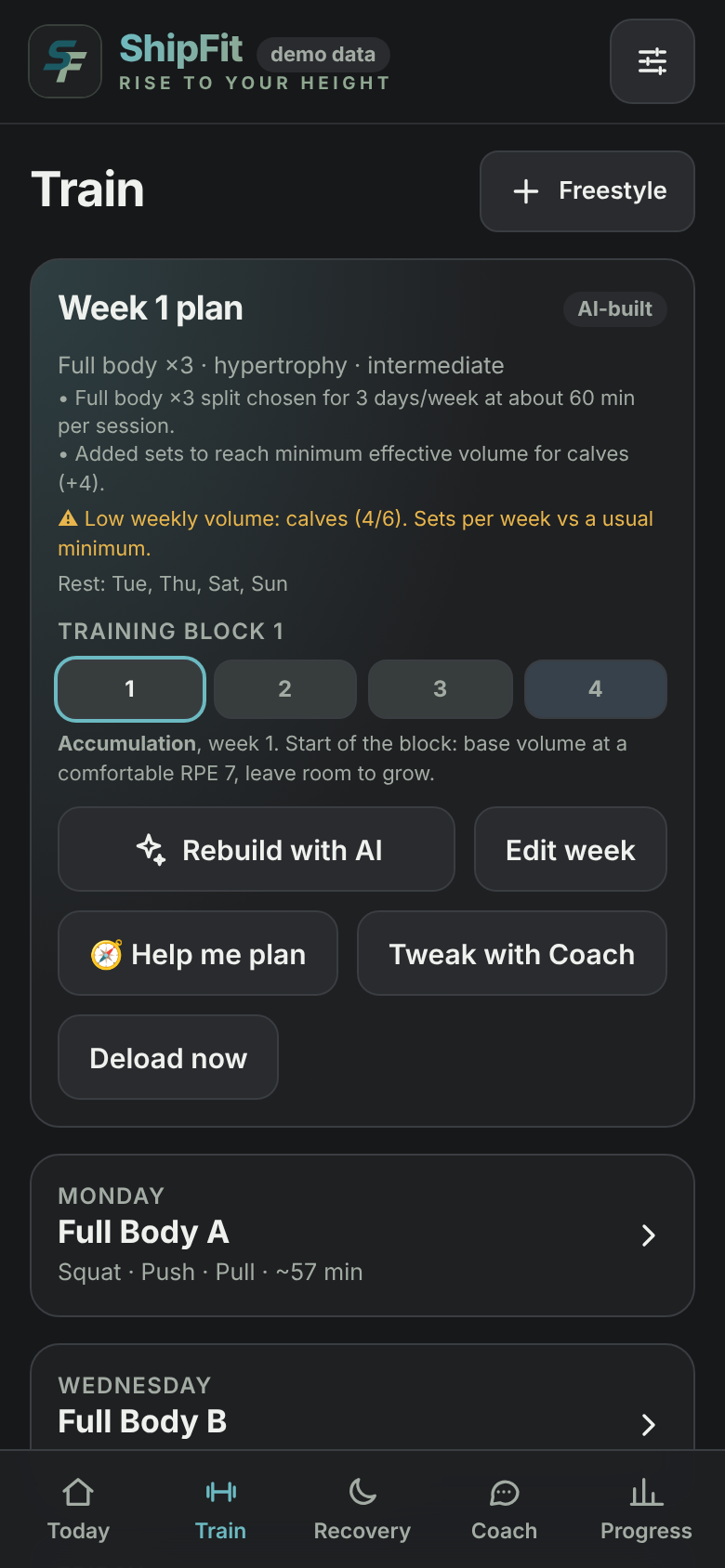
Push/pull/legs, two muscle groups a day, one a day, or build your own week day by day. Need extra help? Guided mode explains the plan.
Recovery you can see
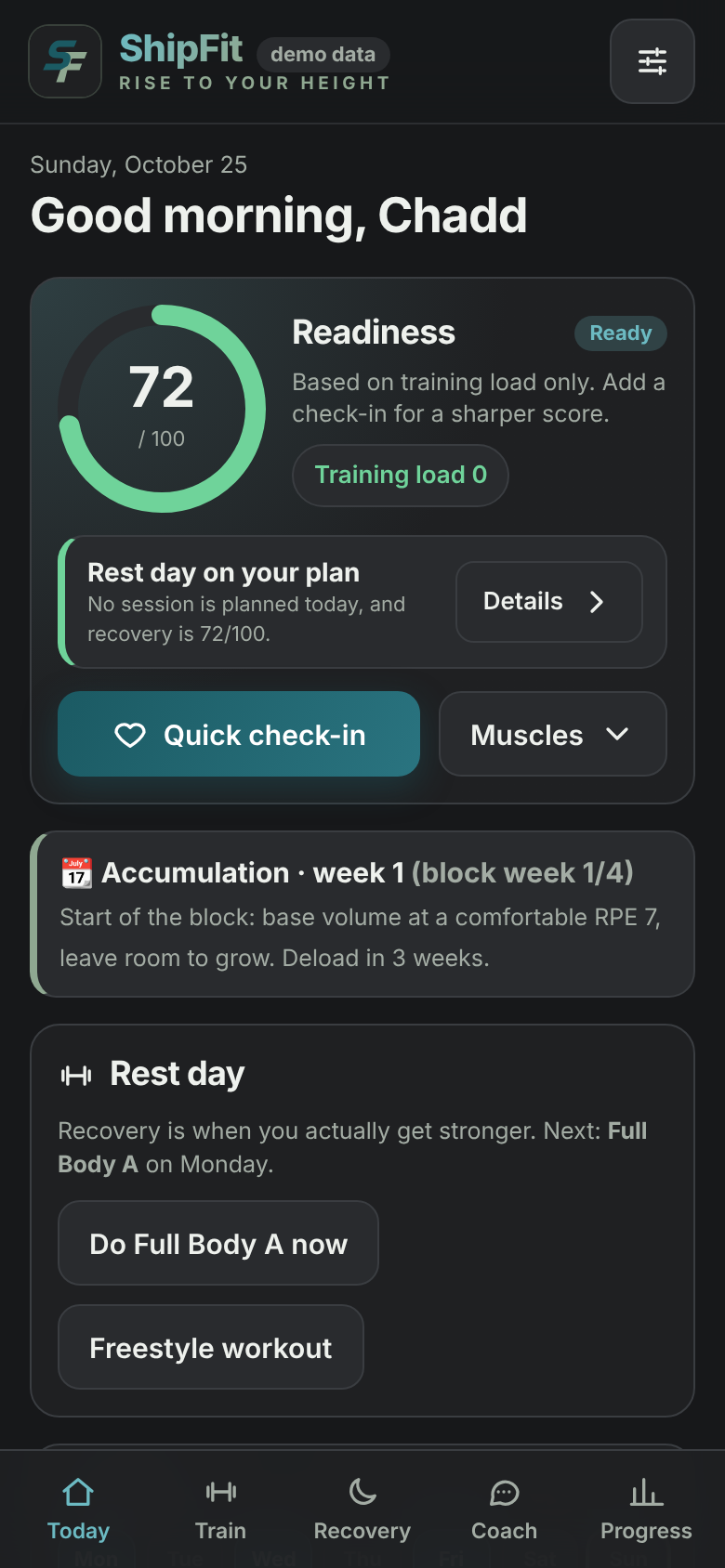
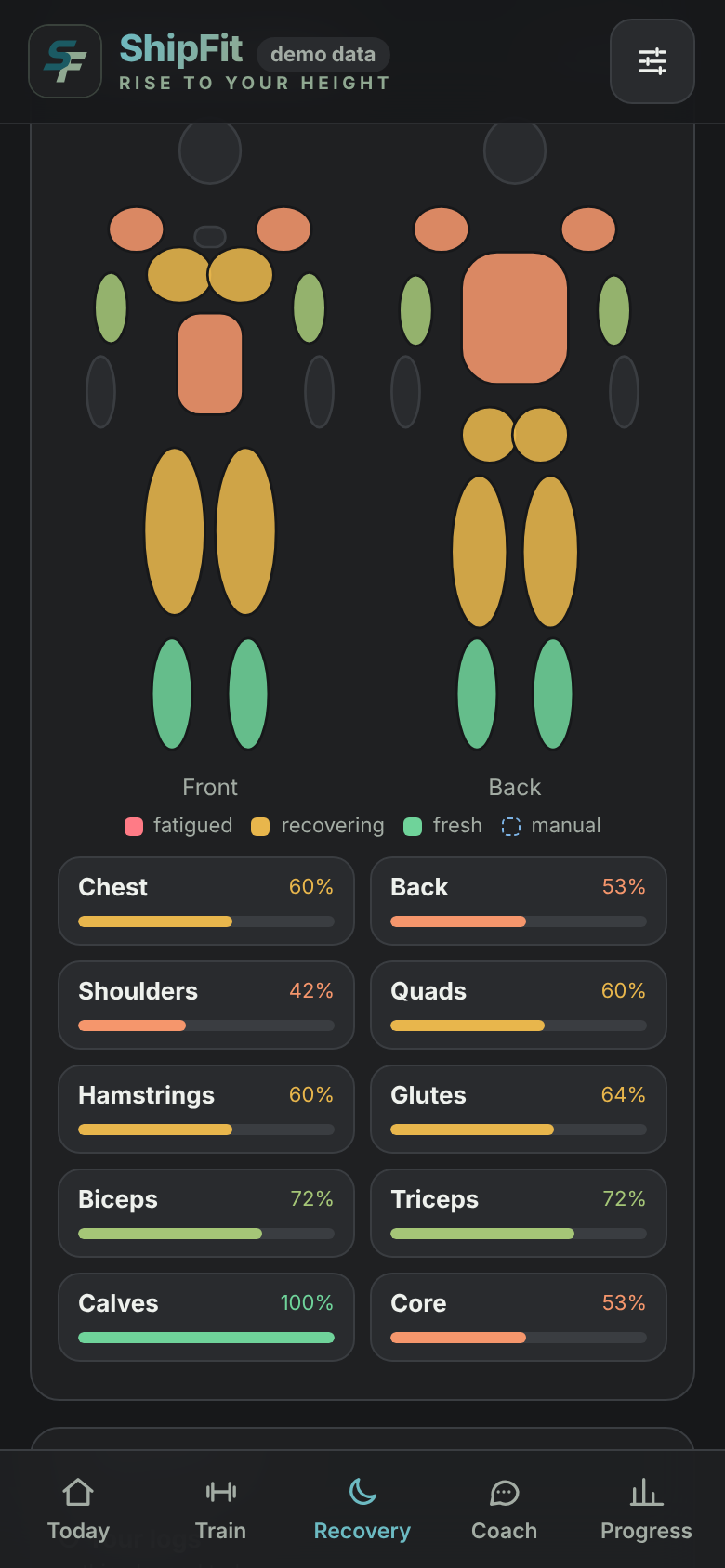
Sleep, soreness and training load feed a readiness score and a body map of muscle recovery, with clear "train as planned / go lighter / rest" calls you can override.
Progress that makes sense
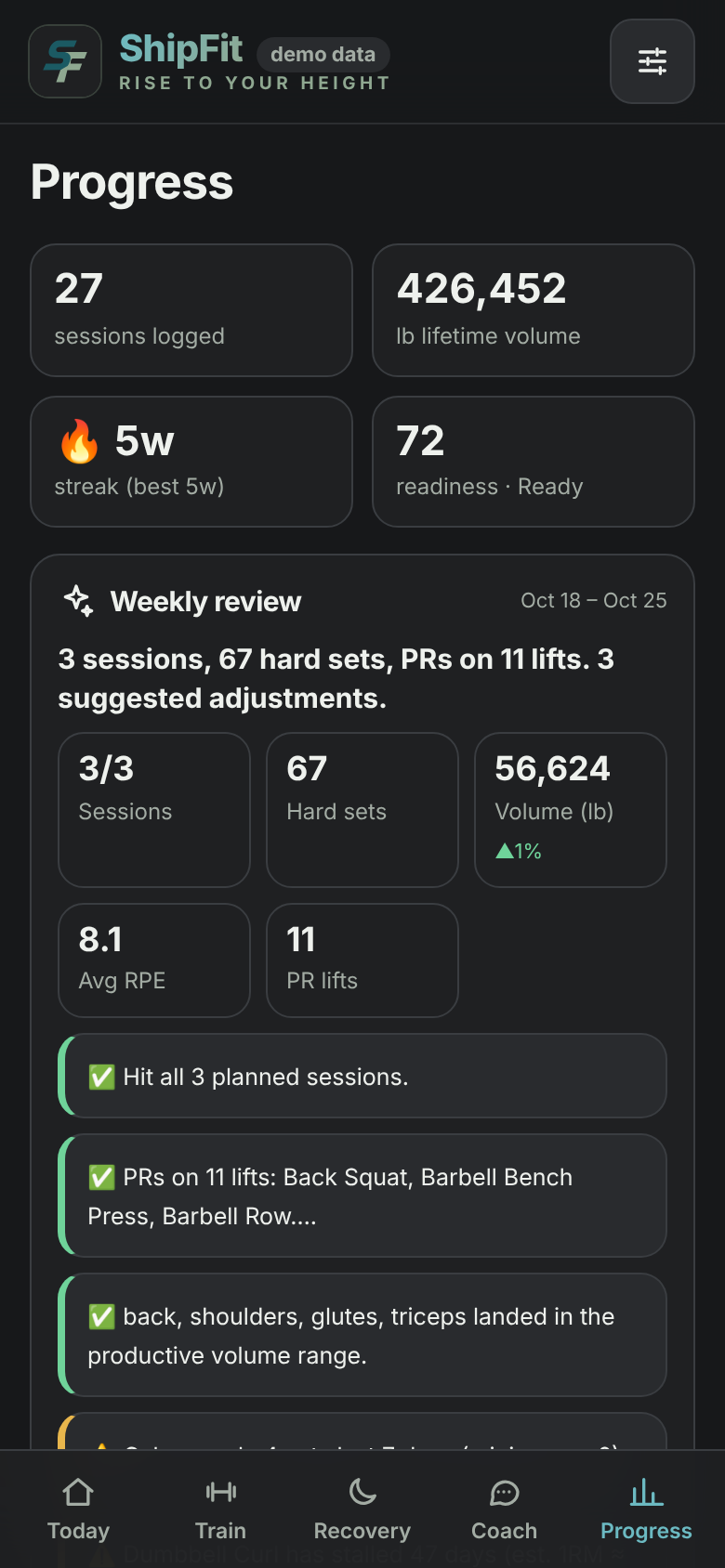
Estimated 1RMs, volume against sensible weekly ranges, plateau detection, and a weekly review. Progression respects the weights you actually own.
Bring your data
Import Apple Health exports and .fit / .tcx / .gpx files, or pair a standard Bluetooth heart-rate strap where your browser allows it.
Works offline
Once opened, ShipFit runs without a connection, so a basement gym with no signal is no problem.
Private by design
No account, no ads, no trackers. Workouts are stored on your device, and you can back up, restore or erase everything from Settings.
See it in action
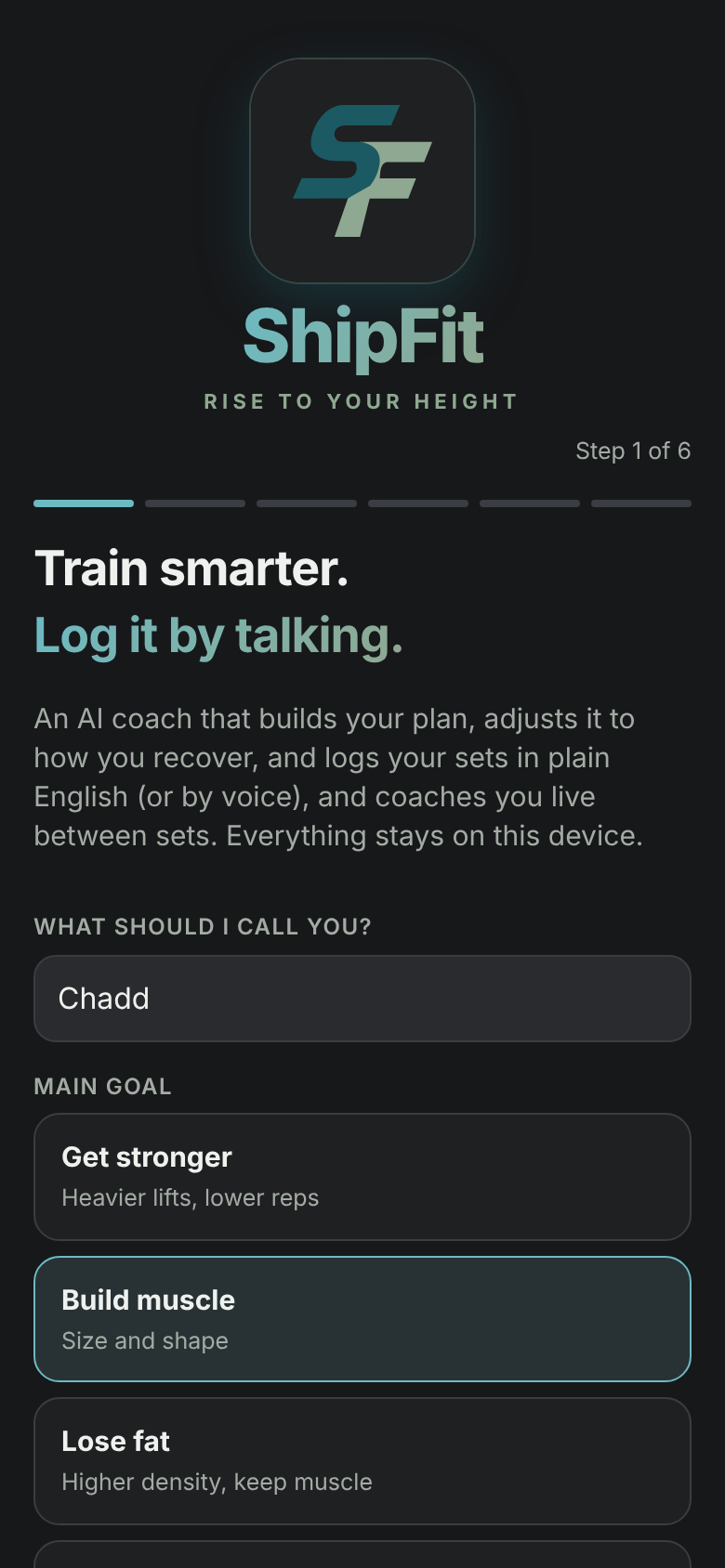
Real screenshots from the app on a phone-sized screen (with demo data).
Put it on your home screen.
ShipFit is a web app: open it once, add it to your home screen, and it runs full-screen and offline like any other app. No store, no account.
- iPhone (Safari): tap Share → Add to Home Screen → Add.
- Android (Chrome): ⋮ menu → Install app.
- Open ShipFit from the new icon. In Settings → Your data you can back up with one tap and restore any time.
Your training is yours.
ShipFit has no accounts and no analytics. By default nothing you log leaves your device.
- Stored on your device, not on our servers
- No ads, no trackers, no third-party scripts
- One-tap backup file, restore, and erase-everything controls
- AI features and voice input are optional, and explained plainly in the Privacy Policy
Ready when you are.
Open ShipFit in your browser, then use "Add to Home Screen" (iPhone: Share → Add to Home Screen; Android: menu → Install app).